A simple spreadsheet can help you get organised before you choose a dedicated tracking app. Start with a structure that makes each entry explainable. The goal is to locate the source and spot missing information without turning an uncertain number into a confident total.
1. Use an account register
Create one sheet for accounts. Suggested columns are owner, institution, masked reference, latest source date and review status. Include accounts where you are still waiting for a statement. This sheet describes coverage; it does not need a grand total.
2. Keep reviewed holdings in a separate sheet
Use columns for owner, account label, investment name, source identifier where available, quantity, reported amount, currency and as-of date. Add a source-file reference and a note. Keep cost and reported value in separate columns when both exist, and preserve the source’s own labels.
3. Make uncertainty visible
Use clear statuses such as checked, source missing, date unclear and possible duplicate. If an amount is unknown, keep the numeric cell blank and explain why in the status or note column. Do not mix a word such as unknown into a formula and assume the total will communicate the missing coverage.
4. Decide what a total includes
Before adding numbers, choose a consistent currency, date scope and definition of the amount. Exclude duplicate views of the same holding. State which accounts are missing. If you cannot establish a defensible total, keep the reviewed rows and explain the limitation instead of manufacturing one.
5. Protect the working file
Limit sharing to the people who need it. Mask account references in the working view and keep original documents separately. Avoid putting account passwords or one-time codes in the sheet. Keep a dated copy before major restructuring so you can understand which records changed.
6. How Punjii.com can help
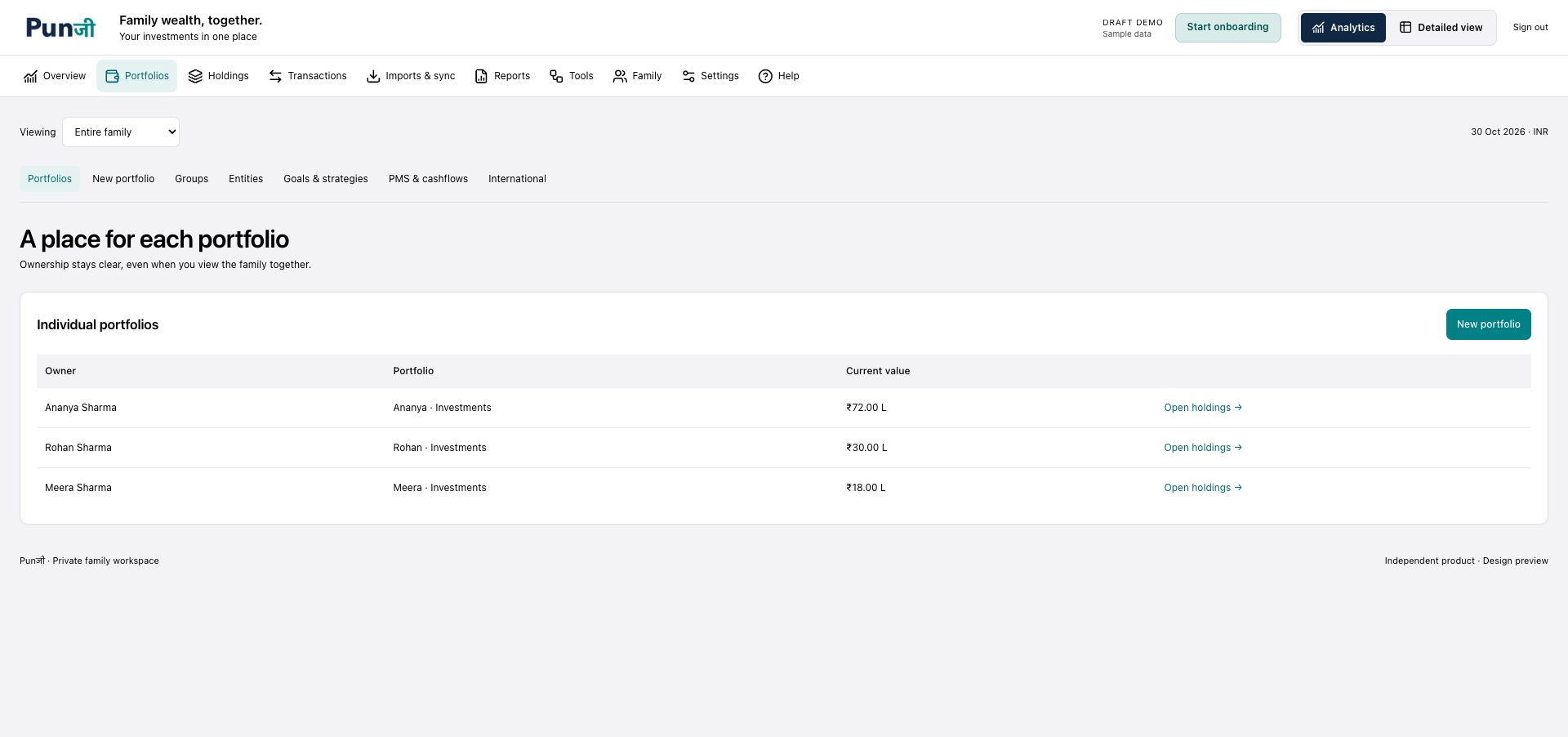
The same habits carry into Punjii: clear ownership, separate portfolios and source-backed review. A dedicated investment tracker can provide more structure around those records. Punjii’s supported upload workflow does not require you to turn every native source into a prescribed spreadsheet template; review of the extracted information remains essential.
7. Try a small first version
Enter one account and a few holdings you can verify. Check that each row has an owner and source date, then test whether another authorised reader can understand your notes. Expand the file only once the structure works. Keep a separate questions list for anything you cannot resolve.
For record-keeping and account-safety guidance, see SEBI’s securities-market do’s and don’ts.
Join the Punjii beta waitlist for availability and access updates. Private beta is opening in stages.
Punjii is an investment tracking app. It does not provide investment advice or product recommendations.