A screenshot can reveal more than the number you meant to discuss. Review the whole image before sending it to anyone.
1. Read the source labels
Check names, account references, balances, notifications and browser tabs. Use an appropriately redacted copy for the intended recipient rather than circulating the original.
2. Keep the review defensible
Keep the original evidence in restricted storage. Redaction should protect a shared copy, not destroy the source you may need to verify later.
3. A simple example
An image showing a harmless heading may also include an account number in a corner. Cropping the heading alone is not a reliable privacy review.
4. Keep an evidence note
Keep the original source available to the people authorised to review it. A short note should identify the owner, the account scope, the reporting date and any unresolved fields. A blank or missing figure means that evidence is incomplete; it should not silently become zero.
5. How Punjii.com helps
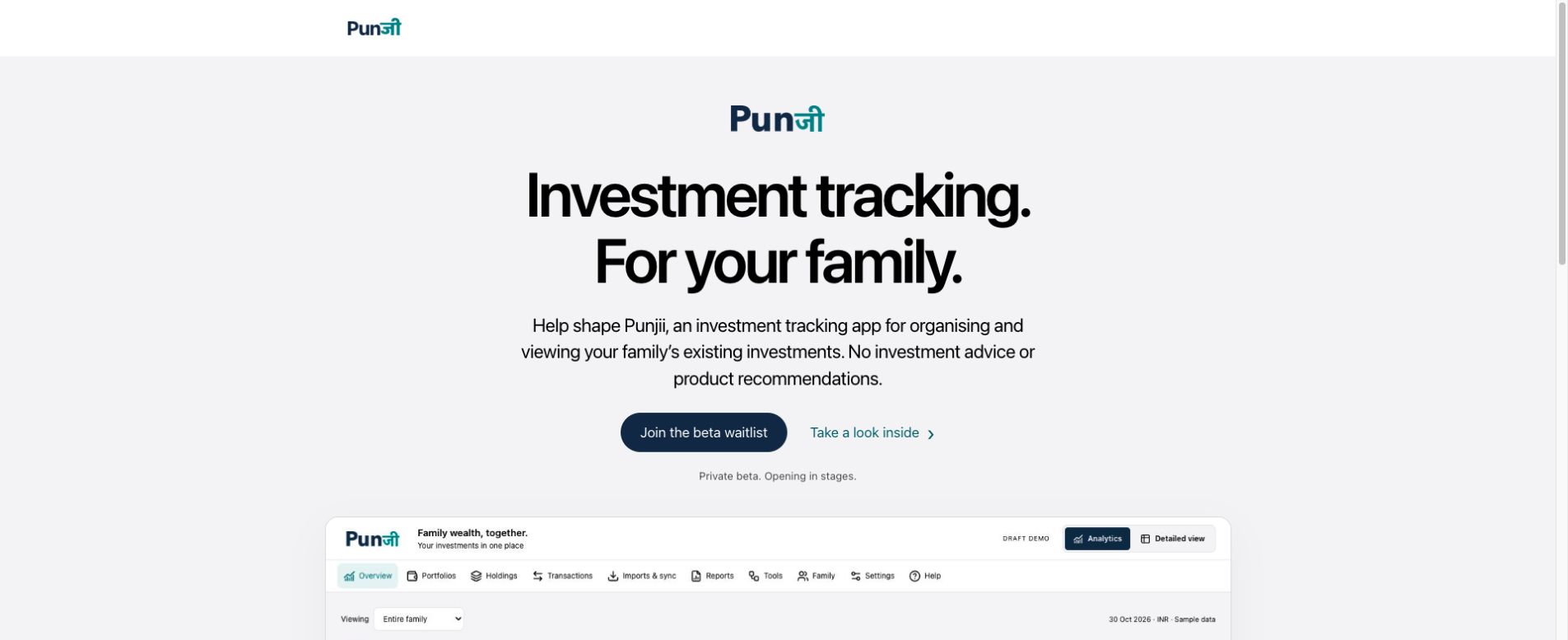
Use only authorised evidence in Punjii’s supported workflows. A demonstration screenshot should use synthetic data or public screens, and should never be presented as a private customer's actual account.
6. One practical next step
Review one screenshot at full size and list what the recipient actually needs to see.
For general record-keeping and account-safety guidance, see SEBI’s securities-market do’s and don’ts.
Build a source-backed investment inventory before trying to produce a complete household total.
Explore Punjii and its beta waitlist. Availability and supported workflows may change; check the current product before relying on a feature.
Punjii is an investment tracking app. It does not provide investment advice or product recommendations.